Children first
A calm daily experience built around immediate needs, strengths, and developmentally appropriate practice.
A warm, structured, game-based support ecosystem for students from primary school through high school (approximately ages 6–18) with ADHD—connecting home, school, and care through practical routines, adaptive practice, and AI-assisted planning.
WarmFocus combines visual routines, short cognitive games, emotion check-ins, parent coaching, school collaboration, and progress records in one child-safe platform. It supports daily life without diagnosing or replacing professional care.
A calm daily experience built around immediate needs, strengths, and developmentally appropriate practice.
Brief routines and games reduce starting friction and fit naturally into family and school life.
Home, school, and authorized care partners work from a shared, understandable picture.
Learner and active participant.
Planner, approver, and guide.
Brief feedback partner.
Authorized reviewer when needed.
Families often coordinate routines, school feedback, therapy goals, and separate apps by themselves. WarmFocus turns those disconnected inputs into a small number of visible, repeatable actions.
Generic advice and complex dashboards rarely help in the moment a child cannot start, loses focus, or becomes overwhelmed.
AI organizes context, parents approve the plan, and the child receives one suitable support flow or short practice activity.
SPARK gives the product an emotional center. It reminds families that the goal is not to “fix” a child, but to notice, protect, and develop the strengths that can be hidden behind difficult moments.
A child is more than interruptions, unfinished tasks, or moments of frustration. The right support begins when an adult becomes curious about what the child is experiencing—not only what the child is doing.
“Every child has a spark. We will never give up on any spark.”Spark moved quickly, noticed everything, and sometimes drifted away from the lesson into a world of clouds, planets, and ideas. Some adults saw only the interruptions. Others saw a child trying hard to belong.
One day, a teacher stopped correcting and asked, “What are you seeing?” Spark answered, “A cloud ship looking for lost stars.” That question changed the relationship. The adults began to see imagination, protect confidence, accept a different rhythm, reach Spark through smaller steps, and kindle strengths into progress.
Over time, Spark learned that being different did not mean being broken. SPARK is the emotional framework for creating that same shift inside the product—from judgment to understanding, and from pressure to practical support.
The complete child journey is now interactive on this page. Choose a state, complete a small support flow, and play the focus game directly inside the screens below.
Hi, little explorer
There is no wrong answer.
Right now
Place it on the desk. Nothing else yet.
Recommended today
Stay with the moving target for ten calm taps.
A calm return counts as progress.
Every screen is functional and remains clearly marked as a concept prototype rather than final production UI.
Tap to interactThe family journey is also fully embedded. Start together, take alternating turns in the portrait face-to-face game, inspect the weekly pattern, and open the parent checklist.
Recommended together
A calm cooperation game for attention and turn-taking.
Patterns, not labels
Shorter first steps made starting easier.
Visible, physical first steps worked best.
This week’s suggestion
Try “Put the math book on the desk” instead of “Start homework.”
The shared-device game uses opposite short edges of one portrait phone, with Parent controls rotated 180°.
Tap to interactEight short, visual activities translate benchmark mechanics into calmer child-first training. Each game has one rule, one skill goal, and an easy way to stop.
Notice, search, and return.
Wait before responding.
Name feelings and reset.
Hold steps and sequence them.
Original concept mechanics inspired by CogniFit, Peak, Toy Theater, and shared-device play references.
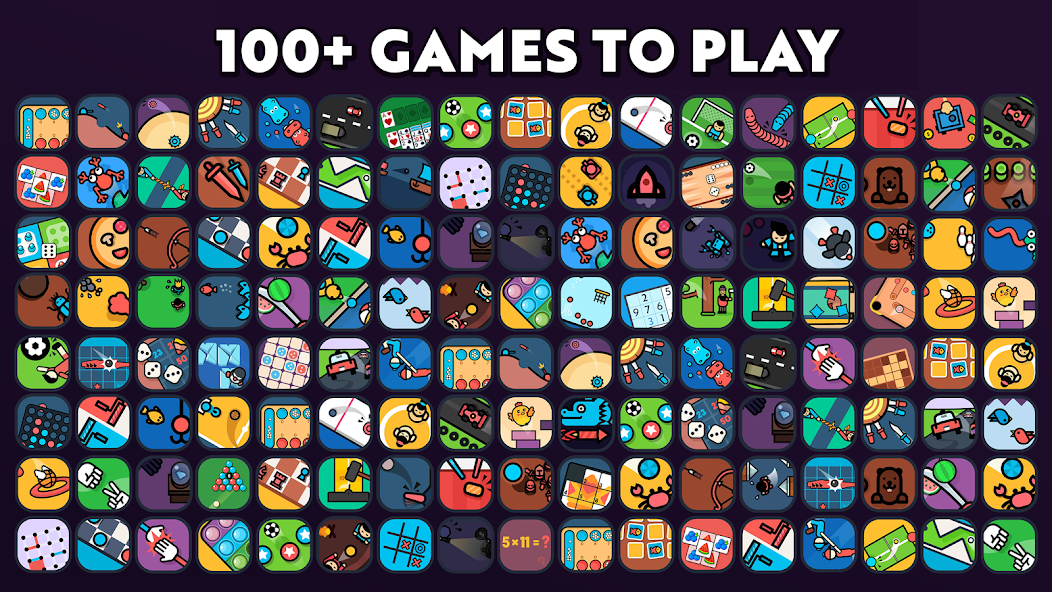
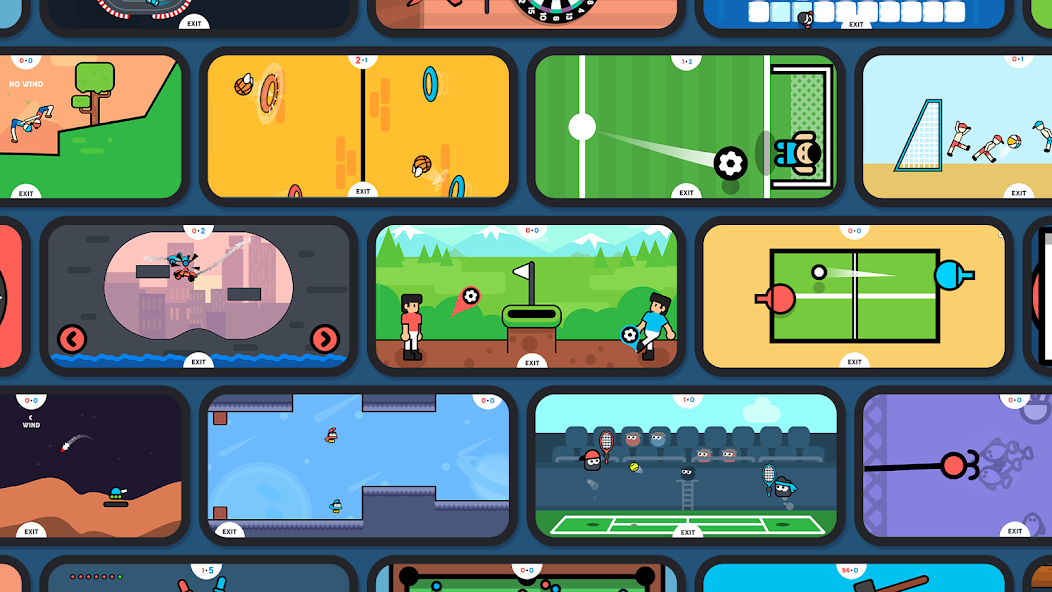
Two Player Games demonstrates the power of one-device multiplayer, minimal rules, large controls, and fast rounds. Our adaptation changes the emotional goal: cooperation first, lower saturation, no pressure-heavy countdown, and an easy recovery after mistakes.

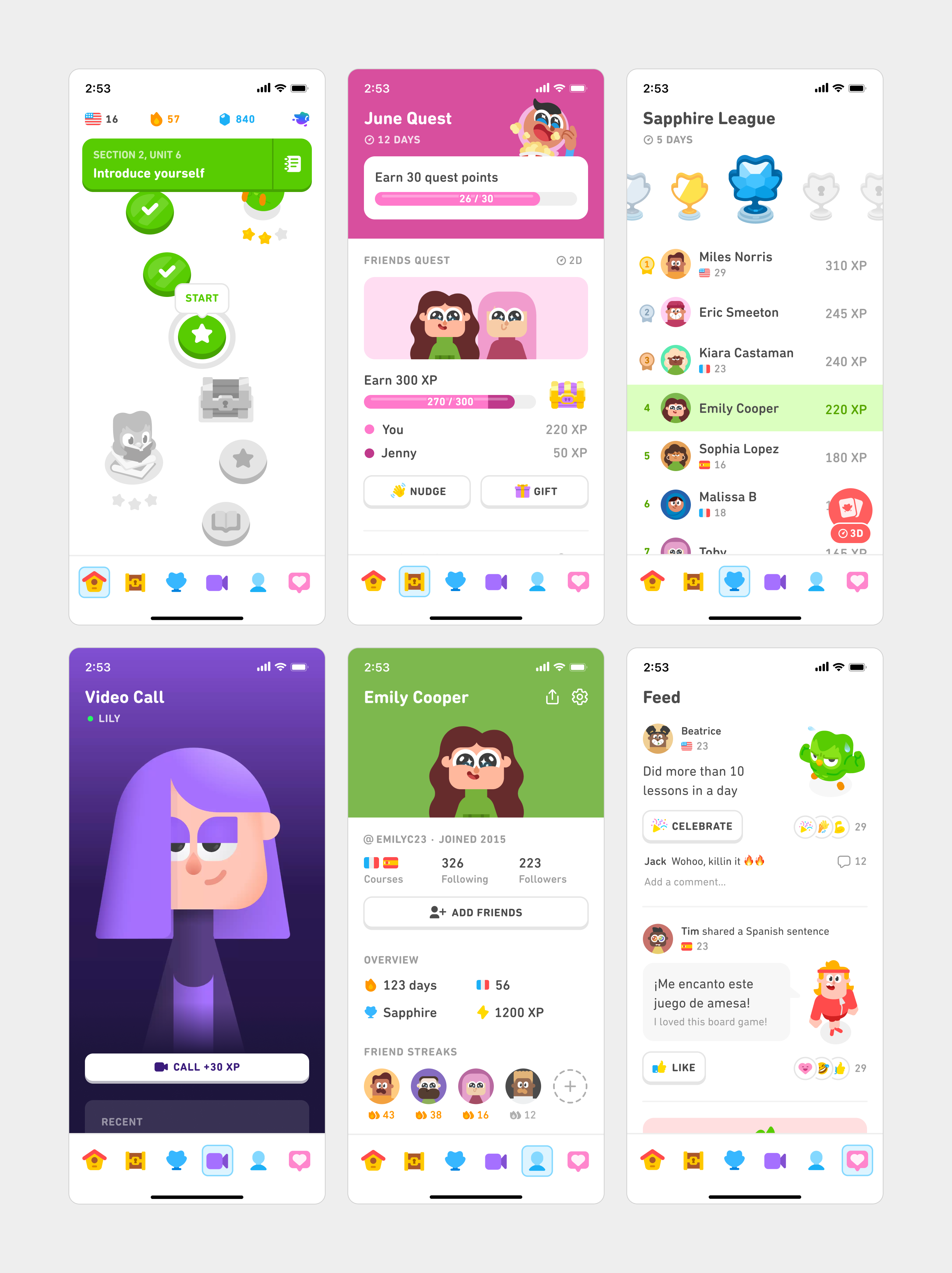
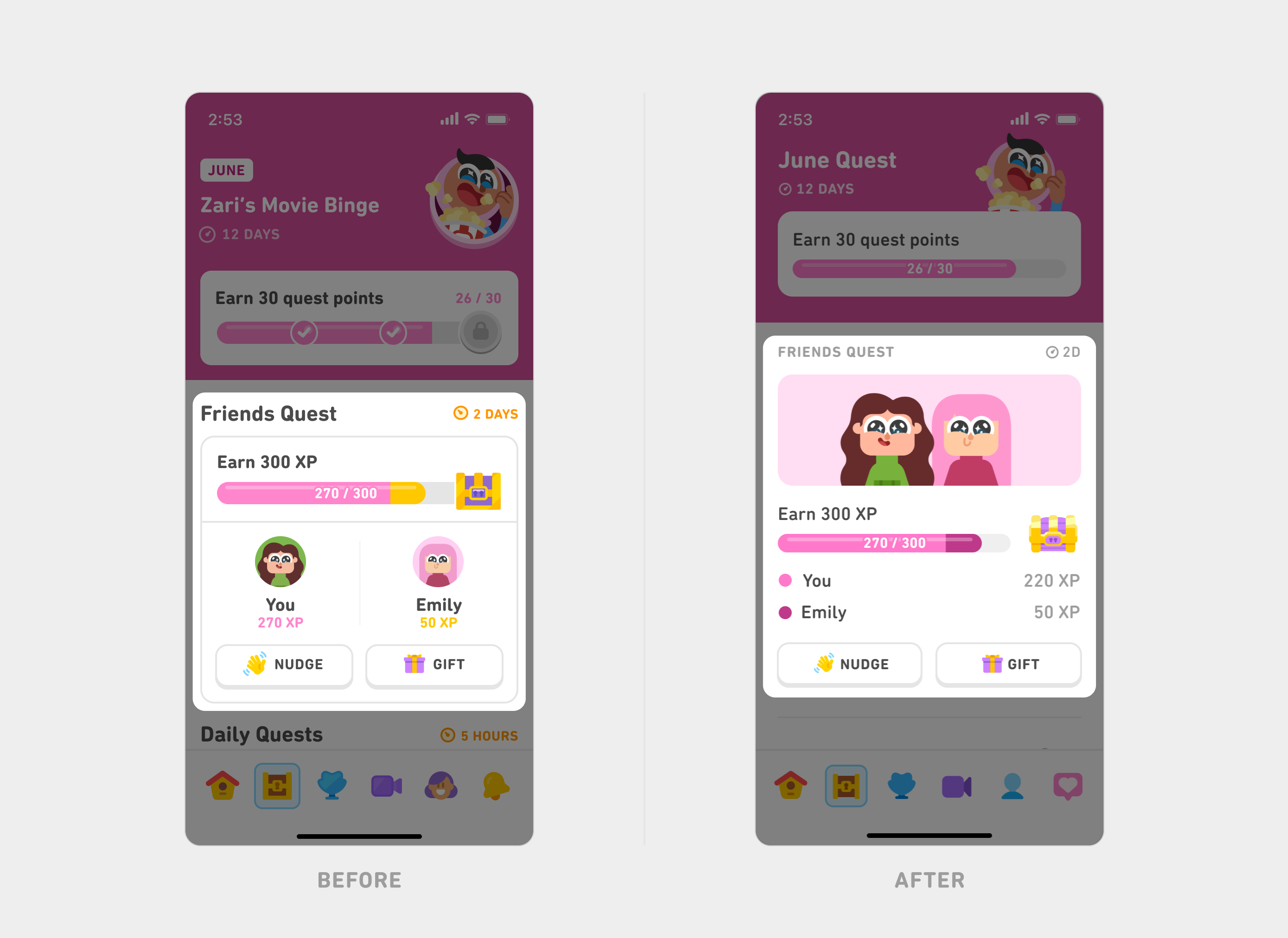
We reference Duolingo’s consistency, navigation clarity, spacing discipline, modular systems, tactile controls, and immediate feedback—not its mascot, visual identity, pressure mechanics, or high-saturation palette.
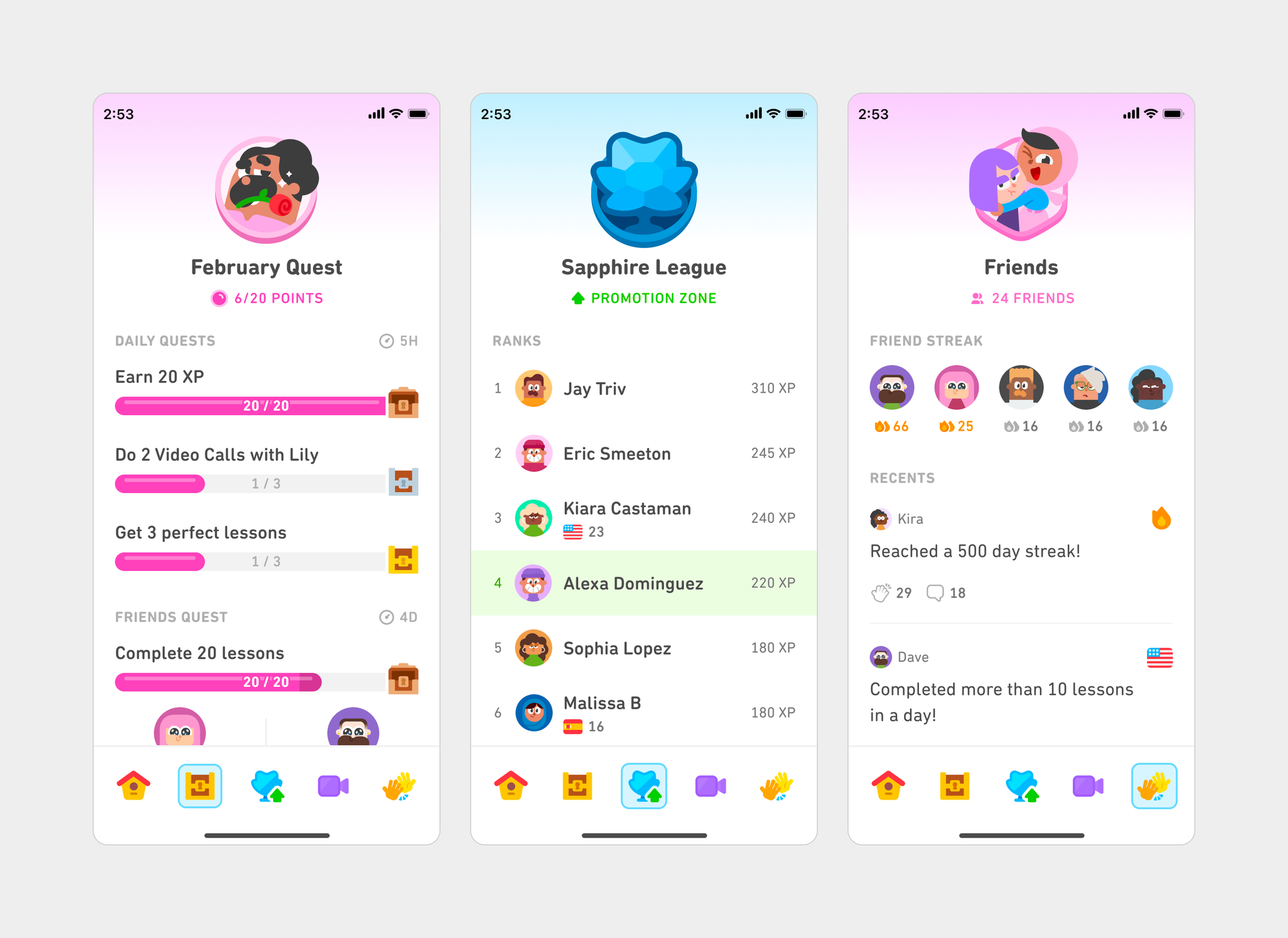
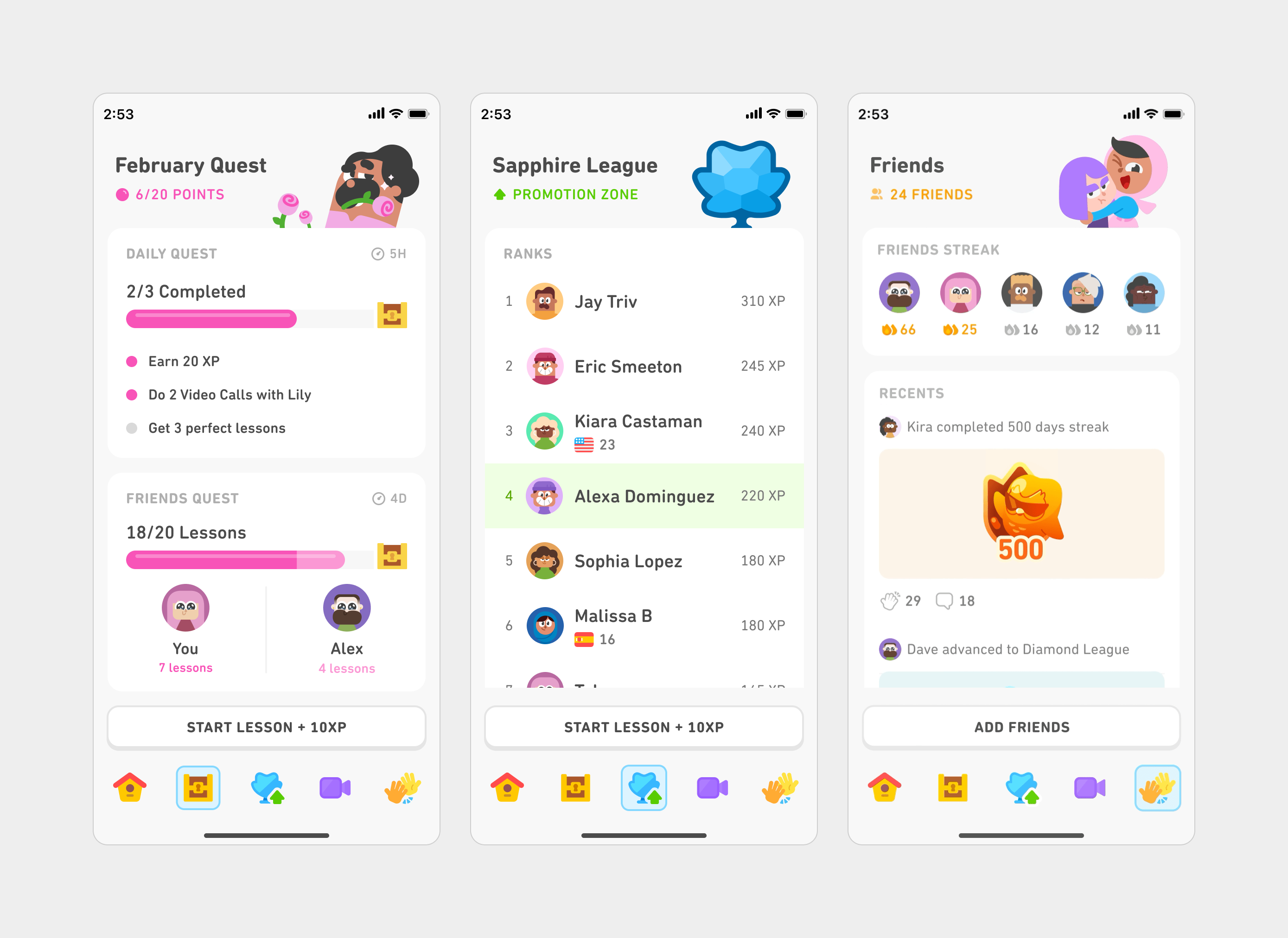
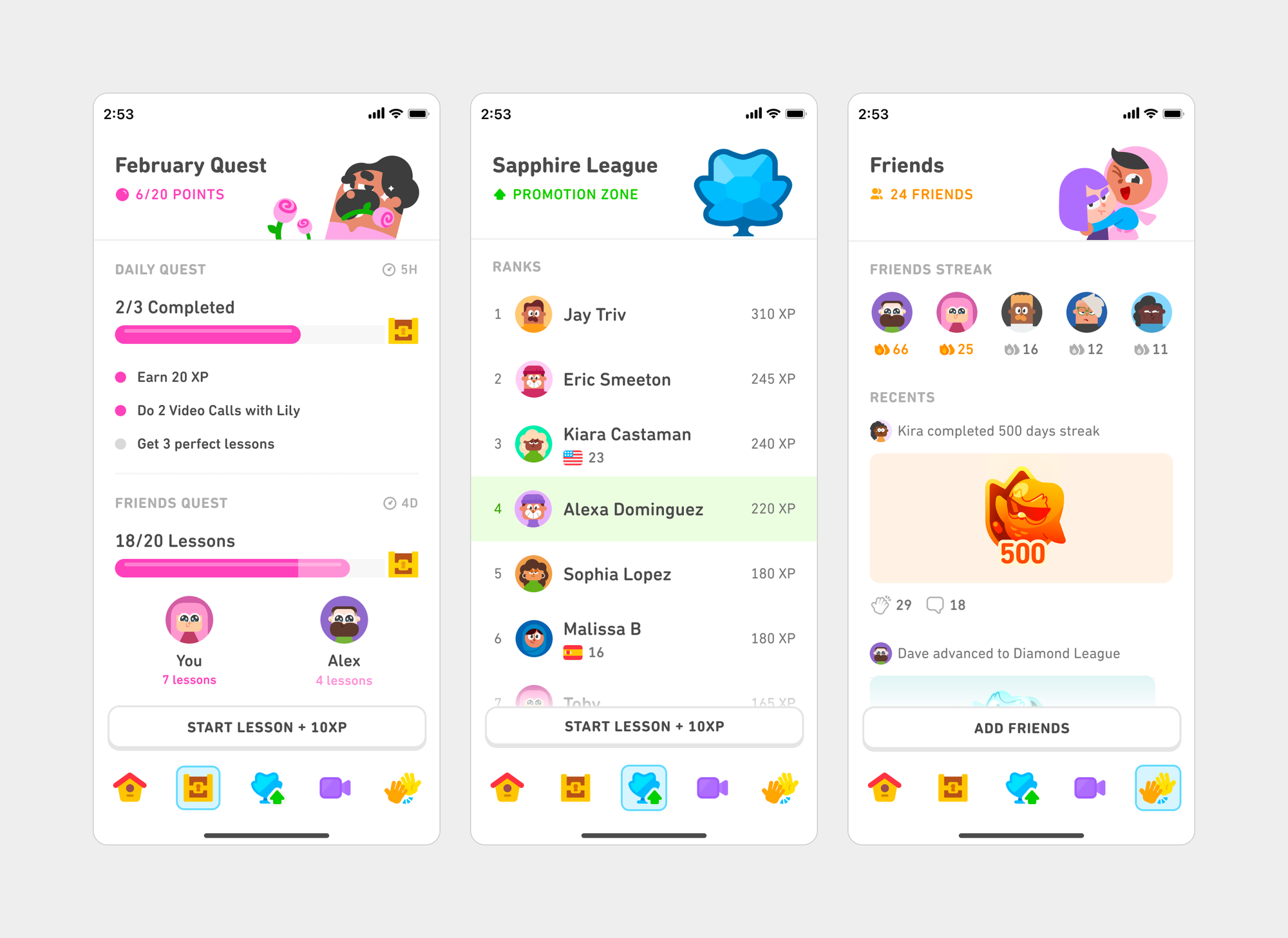
These products and game libraries are inspiration sources, not evidence that every mechanic is appropriate for children with ADHD. Each pattern must be re-evaluated for age, safety, stimulation, and real-world value.
Useful for portrait face-to-face operation, one-device play, large controls, and short rounds. Our family experience prioritizes cooperation over confrontation.

Useful for assessment-led journeys, mood check-ins, routine tools, bite-sized guidance, and companion-style support. Adult content and wellness claims are not transferred into the child experience.
View official App Store page ↗
Useful for cognitive-domain organization, adaptive practice, training plans, and longitudinal feedback. We avoid reducing a child to a single cognitive score or “brain age.”
View official App Store page ↗
Useful for varied mini-games, daily workouts, sessions under five minutes, and progress insights. Competitive comparison and streak pressure are not default patterns.
View official App Store page ↗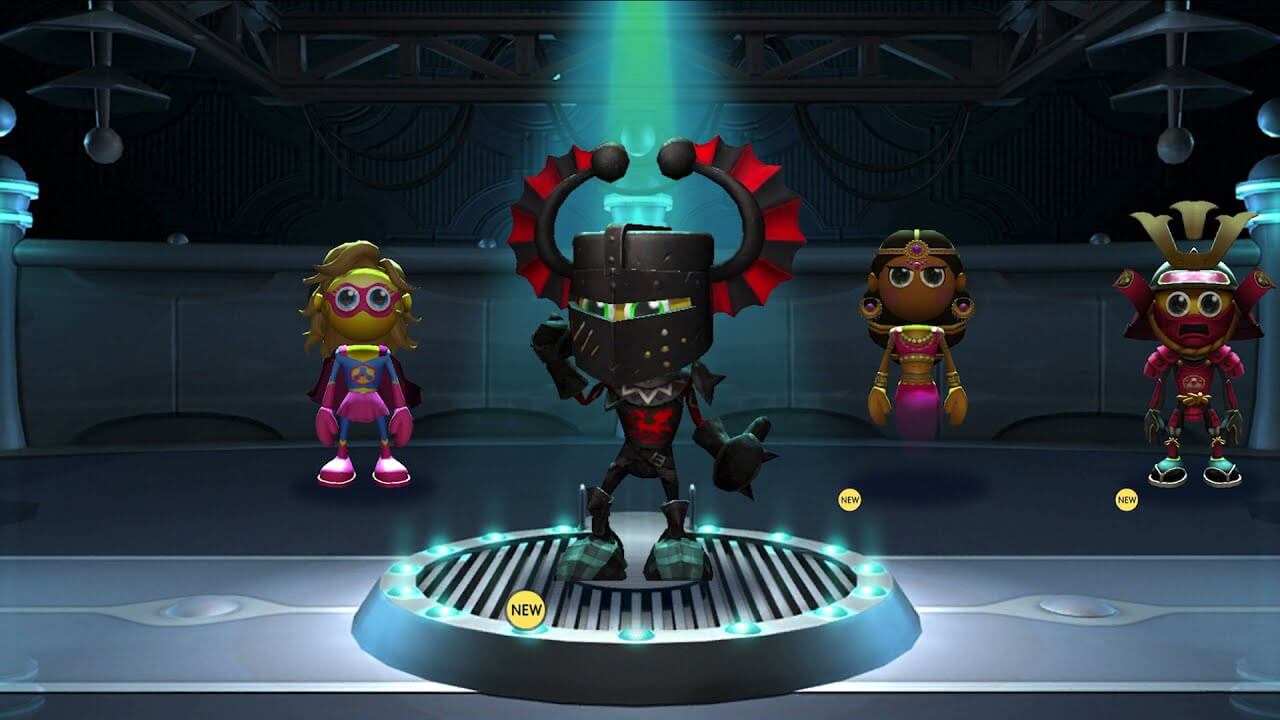
Useful for understanding adaptive gameplay, regulated claims, structured training dosage, and the difference between a support app and a digital therapeutic. Our V0.1 makes no treatment claim.
View official website ↗
Simple classroom-friendly interaction patterns, visual puzzles, and approachable rules. Candidate mechanics still require stimulation and data-purpose review.
View official site ↗
Useful for scanning planning, logic, sequencing, and curriculum-adjacent puzzle formats that can be redesigned around executive-function goals.
View official site ↗
Useful for character-led casual games and child-appropriate presentation. We borrow clarity and safety, not entertainment-first screen-time loops.
View official site ↗
Useful only as a broad catalog of game formats. Every mechanic requires separate review for ads, intensity, safety, age fit, and training relevance.
View official site ↗The commercial model follows the care relationship: direct family access first, then school, clinic, learning-center, nonprofit, and community partnerships.
Monthly or annual access to daily routines, interactive games, parent controls, and growth stories.
Lightweight teacher feedback, parent workshops, implementation support, and classroom-aligned routines.
Authorized review workflows, referral relationships, sponsored access, and nonprofit programs.
Visual themes and additional game packs live only in the parent space—never as purchase pressure on a child.
A limited onboarding journey and sample training lower adoption friction without overstating assessment or treatment claims.
Reduce platform fees through compliant acquisition and account syncing—not activation-code workarounds.
Parents pay on the website; membership syncs to their account; the app simply signs them in.
Recurring: cards, Apple Pay, Google Pay, DuitNow AutoDebit. Annual or one-time: FPX, TNG eWallet, GrabPay, DuitNow QR.
Offer Apple IAP and Google Play Billing for in-app buyers, and apply for eligible 15% fee programs.
Use invoices, DuitNow or bank transfer, then allocate seats with organization invitations.
Growth reporting should explain where, when, and under what conditions a child found it easier to start, return, regulate, or cooperate. It must never impersonate a clinical assessment.
Concrete recognition of effort: “You came back after getting distracted.” No diagnostic labels or comparison with other children.
Weekly stories, contextual trends, and one practical suggestion for the next week.
Concerning emotional or functional change triggers parent guidance to seek qualified professional support.
AI organizes information, selects age-appropriate support, adapts difficulty, and drafts suggestions. It does not diagnose ADHD, prescribe treatment, recommend medication changes, or automatically increase demands when the child appears distressed.
V7 follows the business plan’s staged path: validate the core family experience, test it with real families and schools, add the explainable AI planning loop, then expand partnerships and languages.
Onboarding, parent controls, Today path, eight to twelve games, immediate support, and basic growth stories.
Test comprehension, safety, completion, parent usefulness, classroom fit, and real-life transfer.
Add explainable plan drafting, parent approval, adjustment suggestions, and professional escalation pathways.
School and care partnerships, multilingual content, authorized review, and an expanded game library.
The current concept is strong at showing the family loop. Before product development, it still needs explicit age adaptation, evidence governance, privacy rules, measurable pilot outcomes, and bilingual content validation.
Parent-led setup, visual language, one-step instructions, one-to-three-minute activities, and generous co-play.
Shared goal-setting, school-transition support, three-to-five-minute practice, and growing choice without overload.
Teen agency, privacy-aware parent visibility, planning for workload and transitions, and age-respectful visual themes.
Create an advisory review group, a claims matrix, an evidence note for every training activity, and a clear escalation pathway for distress or functional decline.
Define parental consent, child assent, teen privacy, school-data boundaries, role permissions, retention, export, and deletion before collecting longitudinal data.
Measure start latency, return after distraction, completion, voluntary stopping, family usefulness, classroom burden, and real-life transfer—not only game scores.
Validate reading level, reduced motion and sound, color independence, screen-reader labels, simplified Chinese terminology, cultural fit, and human-reviewed translation.
Show why a suggestion appears, let parents edit or reject it, prevent unsupported clinical claims, and route safety concerns to a responsible adult.
Plan notification limits, weak-network behavior, content moderation, account recovery, school onboarding, support ownership, and incident response.